Sequential vs Parallel Mode
Understand the two autocop execution strategies and choose the one suited for your needs.
Introduction
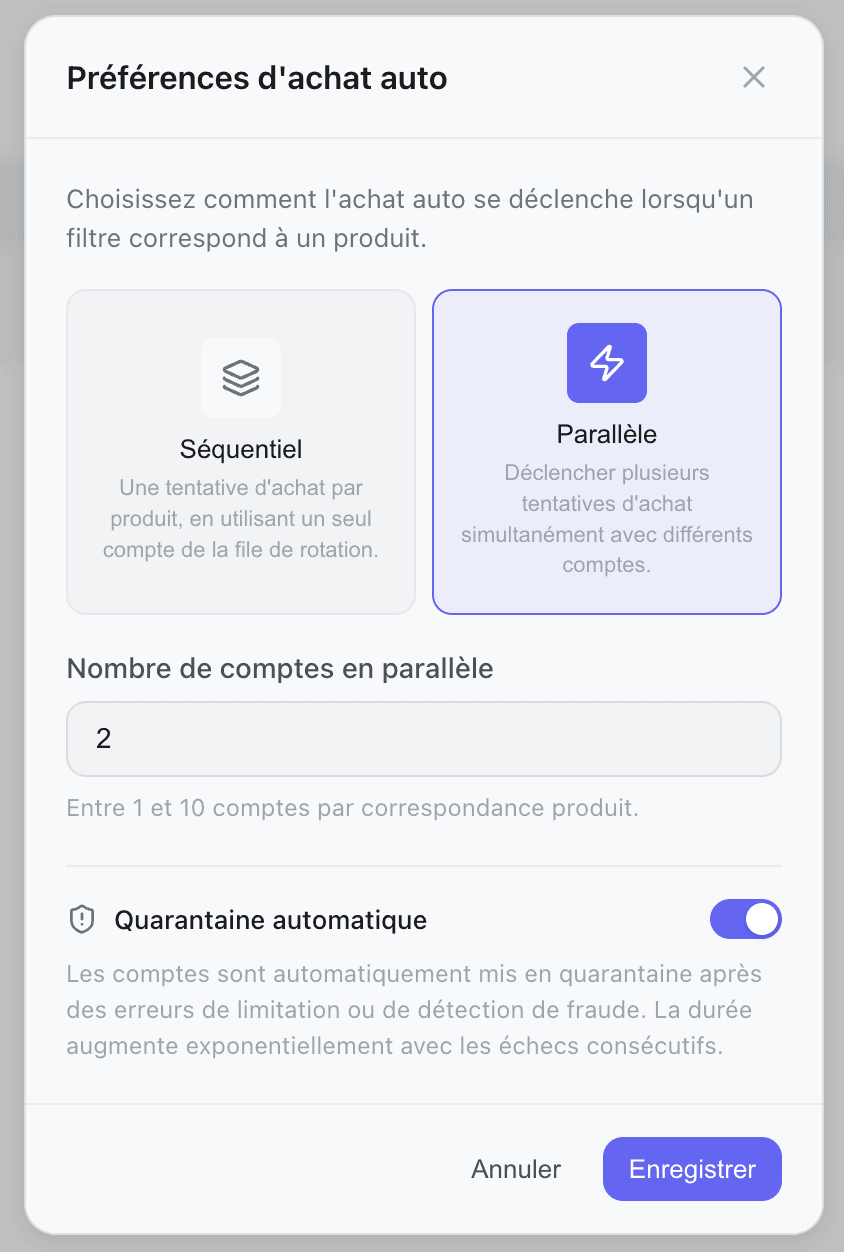
When an item is detected, the autocop must choose how to use your Vinted accounts to attempt the purchase. Two modes are available, each with its advantages.
Accessing Autocop Settings
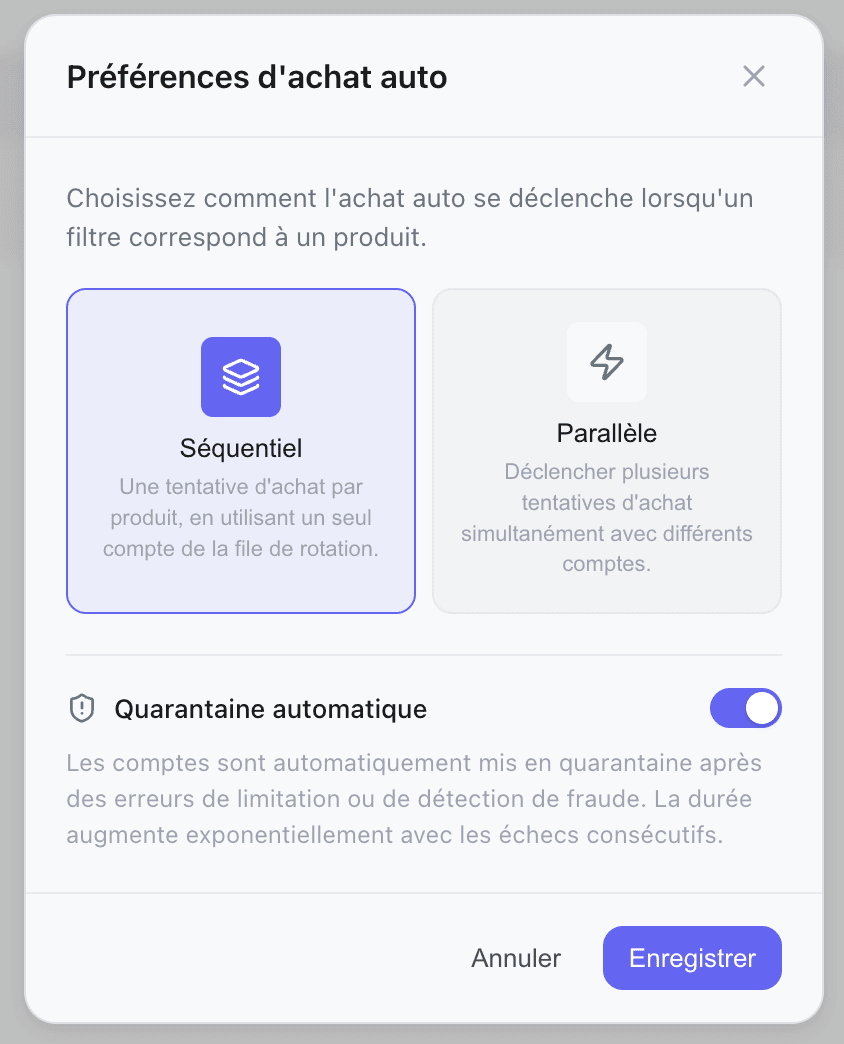
From the /accounts page, click the "Autocop Settings" button (gear icon) at the top right.
Execution Modes
One account per item, selected by round-robin rotation.
How it Works
When an item is detected:
- The least recently used account is automatically selected
- A single purchase attempt is fired with that account
- If it fails, the item is not retried with another account — it moves on
Each trigger picks the next account in rotation, ensuring fair usage across all your accounts over time.
Advantages
- Lower risk of detection (only one attempt per item, natural behavior)
- Fair account rotation — no single account is overused
- Ideal if you have few accounts or for low-competition items
Disadvantages
- If the selected account fails, the item is lost (no automatic retry)
- One chance per item — less forgiving than parallel mode
Quick Comparison
Sequential
| Criteria | Detail |
|---|---|
| Speed | Medium |
| Account Usage | One per item (round-robin) |
| Detection Risk | Low |
| Ideal for | Low-competition items |
| Required Accounts | 1+ |
Parallel
| Criteria | Detail |
|---|---|
| Speed | High |
| Account Usage | Multiple simultaneously |
| Detection Risk | Medium |
| Ideal for | High-demand items |
| Required Accounts | 2+ recommended |
Auto-Quarantine
At the bottom of the modal, an Auto-Quarantine option is available.
Enabled (recommended)
When an account triggers certain types of errors, it is automatically placed in temporary quarantine so as not to penalize other attempts:
| Error Type | Quarantine Duration |
|---|---|
| Rate limit (too many requests) | 1 hour |
| Y01 / Fraud detection | 24 hours |
| Blocked captcha (anti-bot) | Automatic quarantine |
The account is automatically reactivated once the delay expires. You can also release it manually from the Accounts page.
Disabled
The account continues to be used even in case of errors. Avoid unless you know what you are doing — a non-quarantined account can slow down all your attempts.